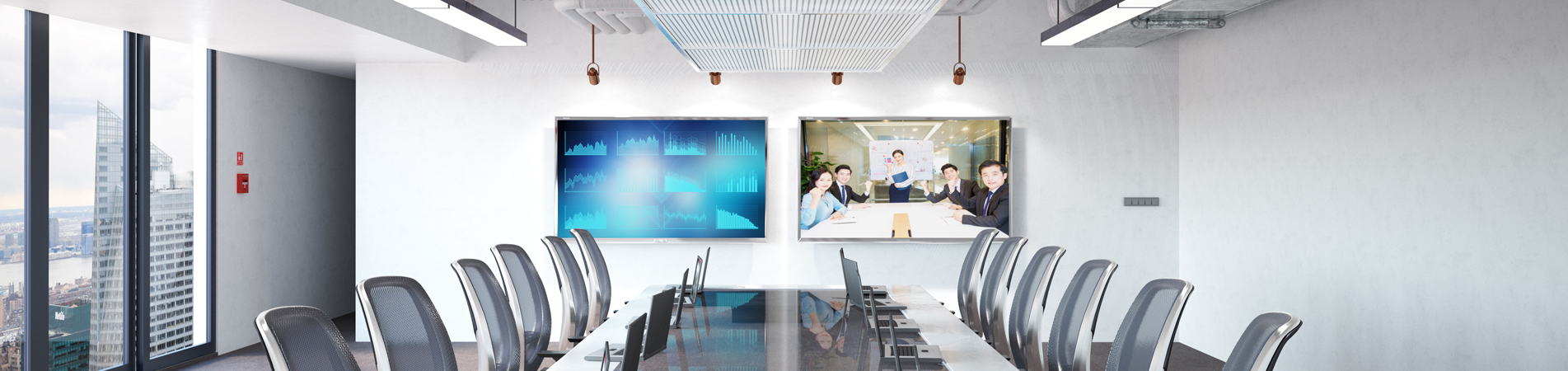
Most schools and corporate offices plan to use their interactive whiteboard and smart board equipment continuously for 6–8 years, yet many users follow incorrect daily cleaning and power management habits that cut the display’s service life short by 2–3 years unknowingly. Our Foshan factory’s after-sales technical team compiled practical, easy-to-follow daily maintenance guidance for all ELON interactive flat panel models, covering screen cleaning, power cycle management, storage and touch surface protection rules to maximize your equipment’s long-term value.
The most common maintenance mistake we observe is using harsh household cleaning supplies on the touch screen surface. Many staff grab window cleaner, alcohol wipes or paper towels to wipe fingerprint smudges and marker residue off interactive whiteboard glass. Chemical cleaners with alcohol, ammonia or strong corrosive ingredients erode the screen’s anti-glare and anti-blue light coating layer over time, creating permanent cloudy faded patches that ruin display visibility. The only safe cleaning solution for ELON smart board AG tempered glass is microfiber soft cloth paired with specialized neutral screen cleaning fluid, sprayed lightly onto the cloth (never directly onto the screen surface) before gentle circular wiping.
Second critical maintenance rule involves daily power management routines. A lot of offices and classrooms leave interactive flat panels powered on 24 hours a day for months on end, which accelerates backlight module aging and causes uneven screen brightness discoloration after long-term overheating. We recommend fully powering off the main device power supply every night after class or work hours, not just activating standby sleep mode. For long holiday breaks lasting one week or longer, disconnect the power plug entirely to avoid voltage surge damage during thunderstorms or unstable grid power fluctuations.
Third tip protects the sensitive capacitive touch layer from physical harm. Avoid pressing hard on the interactive whiteboard surface with sharp objects like pen tips, metal rulers or hard plastic toy parts. Even our scratch-resistant thick tempered glass will sustain permanent deep scratches from sharp hard items, damaging the under-layer touch sensors and causing dead touch zones on the smart board screen. Only use the soft silicone styluses provided with your ELON device for writing and drawing operations. When cleaning the display, remove all heavy desk objects and sharp accessories from the front of the interactive flat panel first to prevent accidental bumps during wiping.
Fourth maintenance practice covers ventilation and environmental placement. All interactive display back panels contain heat dissipation vents that must never be blocked by books, storage boxes, wall cabinets or curtain fabric. Blocked vents trap internal heat, raising mainboard operating temperature and triggering frequent system crashes or hardware burnout over time. If your smart board is installed in a space with high humidity (such as coastal schools or basement training rooms), use indoor dehumidifiers to keep air moisture levels moderate, preventing internal circuit rust and short-circuit failures.
If you notice abnormal touch lag, screen flickering or audio distortion on your ELON interactive whiteboard or interactive flat panel, stop daily use temporarily and contact our global technical support team for remote fault diagnosis as early as possible. Timely minor maintenance avoids expensive complete hardware replacement later, helping you extend your smart board’s usable lifespan to reach the full 8-year design service cycle.
Address: Building 11, Huazhi Science and Technology Innovation Center, Beijiao Town, Shunde District, Foshan City, Guangdong Province, China
Tel: +8618926228134
Email: contact@gzqunji.com
IPv6 network supported
Hi! Click one of our members below to chat on